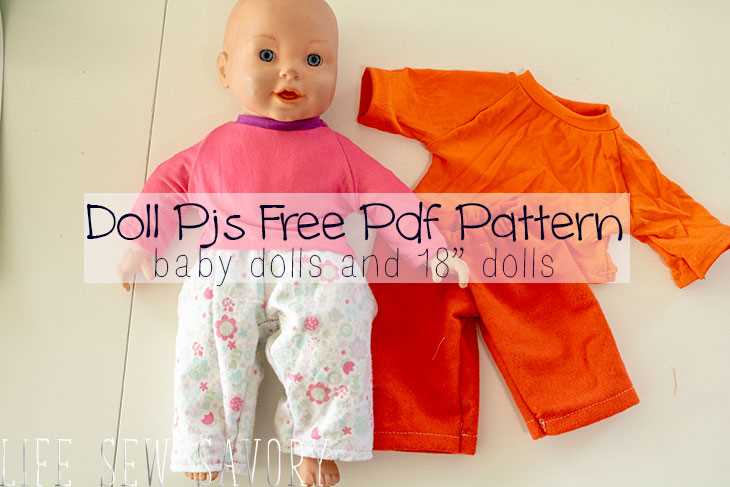
Start by printing out the templates provided for creating garments for your miniature figures. Simply open the files, adjust the settings on your printer for optimal quality, and make sure the scale is set to match your measurements. Use heavyweight paper or light cardstock to ensure that your designs are durable and hold their shape well during the cutting process.
Once printed, carefully cut out each individual piece of the template. You’ll find that the pieces are designed to fit a variety of figures, with a mix of simple and intricate elements to challenge your crafting skills. For each design, make sure to leave enough room around the edges to account for any trimming or adjustments needed once the pieces are cut out.
To make the most out of these templates, consider experimenting with different fabrics to see which textures and colors work best with each style. Lightweight cotton and flannel are great for most designs, while felt or velvet can give certain looks an elegant touch. If you’re customizing the outfits, try adding unique embellishments such as buttons, lace, or small accessories to bring a personal touch to each design.
Creating Custom Outfits Using 18 Printable Dressmaking Templates
To begin crafting new outfits for your miniature figures, gather your templates and print them out on high-quality paper. Use a laser printer to avoid ink bleeding, ensuring crisp, clean lines for easy cutting and assembly. If you’re working with a more intricate design, adjust the scaling to ensure the pieces fit properly on your desired figure size.
Once printed, carefully cut out each design. You can use a sharp craft knife for precise edges, especially for smaller or more detailed areas. For larger sections, a pair of fabric scissors will give you cleaner cuts. Take your time, as accuracy during this step will affect how well the outfit fits later on.
Choosing the right fabric is just as important as the templates themselves. Different designs call for different materials. For basic pieces, like simple skirts or tunics, cotton or linen works well, while more complex designs, such as jackets or dresses, may require heavier fabrics like denim or velvet. Before cutting, test the fabric’s weight and flexibility to ensure it complements the chosen pattern.
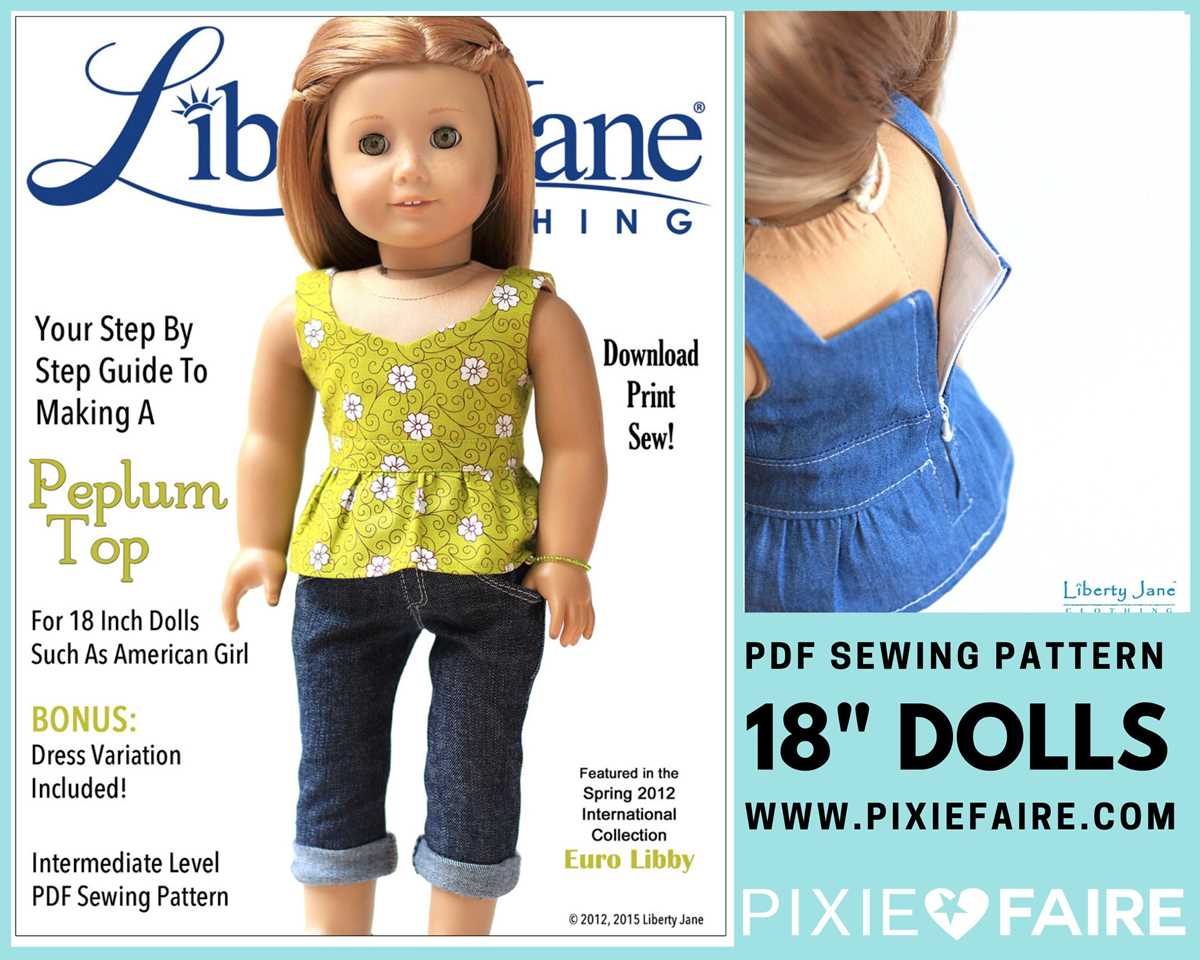
Once the fabric is selected, pin the template pieces to it and trace around each section with a fabric pencil or chalk. Don’t forget to add seam allowances, typically 1/4 to 1/2 inch, depending on the complexity of the design. Afterward, carefully cut the fabric pieces out, making sure to follow the traced lines closely.
As you begin assembling the outfit, follow the instructions provided for each pattern. If no instructions are included, you can rely on basic sewing techniques such as hand-stitching or using a sewing machine. Start with smaller sections, like attaching sleeves or securing hems, then move to larger pieces. Remember to press seams as you go to ensure the outfit holds its shape.
Finally, add finishing touches to personalize the outfit. Small accessories such as buttons, bows, or lace can make a huge difference in the overall look. Consider adding decorative elements like embroidery or fabric paint for an extra flair. Customizing each piece will give the outfit a unique style, reflecting your creativity and design skills.
How to Download and Print the 18 Clothing Templates
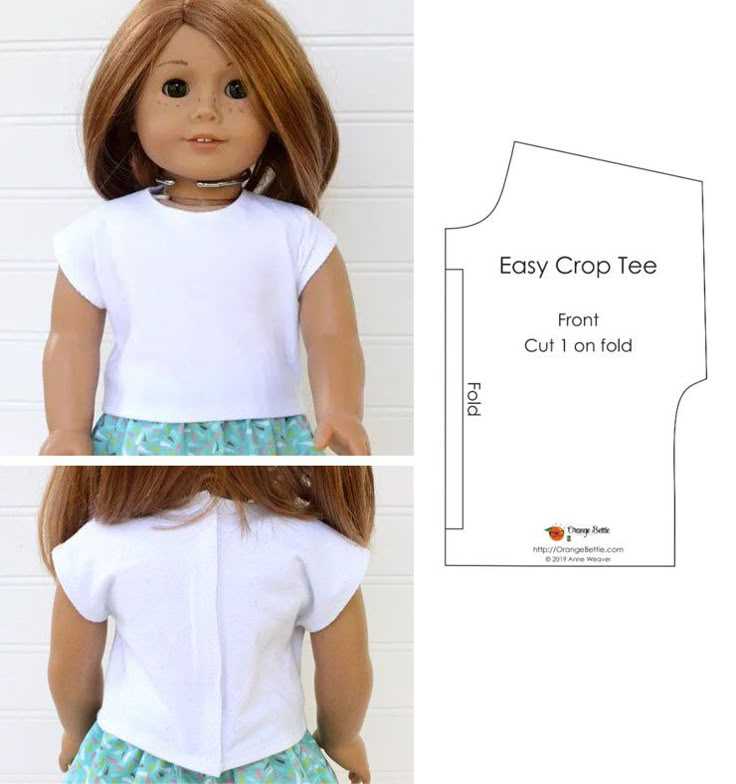
To begin, visit the website or platform where the templates are available. Make sure you have access to the files and that your device is connected to a printer. Once on the page, locate the download link or button and click it to initiate the file transfer to your computer.
After the file is downloaded, open it on your device. Typically, these files will be in PDF format, which is easy to handle and ensures that the templates will be printed at the correct scale. If the file is in a compressed format (like ZIP), extract it before opening.
Before printing, check the settings of your printer. Ensure that it is set to print at 100% scale to avoid any resizing issues. You can test this by printing one page first and measuring it with a ruler to confirm it matches the intended size.
If you want to conserve paper, you can adjust the printer settings to print multiple pages per sheet, though this may reduce the size of the designs. However, for accuracy, printing each page on a single sheet of paper is recommended.
For best results, choose a heavier weight paper, such as 120gsm or higher. This will help the templates hold their shape and make them easier to cut and sew. Light cardstock is also a good option if you prefer extra durability.
Once you have printed the pages, double-check that all sections are clear and legible. If necessary, adjust your printer settings or use a higher quality print mode to improve the resolution. After ensuring the quality, you can begin cutting out the individual sections for your next crafting project.