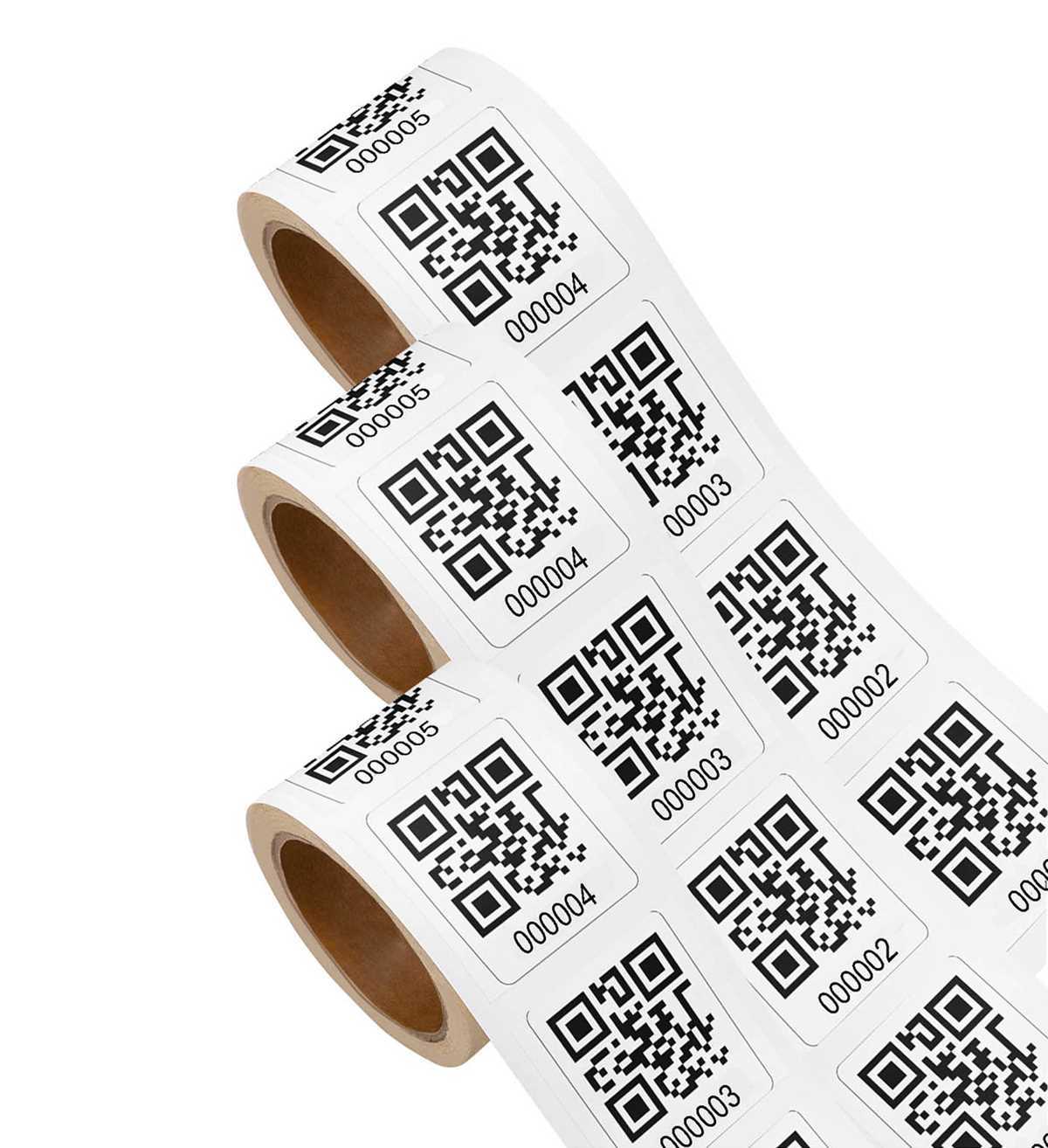
To get started with creating personalized QR labels, first choose a reliable platform or app that lets you design and generate them. Many free tools are available that allow you to encode any URL, text, or information directly into a scannable image. Make sure the design is clear and includes a readable size for scanning. Stick with simple shapes and high contrast colors for better legibility.
Next, after creating your design, you’ll need to print the tags. Ensure that your printer settings are adjusted to print high-quality images for maximum scannability. Many people find it helpful to use a sticker paper that’s designed for inkjet or laser printers to ensure that the prints last longer and adhere well to surfaces. You can print them on sheets that hold multiple tags for efficiency.
Once your labels are ready, it’s important to choose the right places to use them. If you plan to include them in marketing materials, place them on brochures, flyers, or packaging to guide customers directly to your website or special offers. Consider adding a brief call-to-action near the label, encouraging scanning. This small step can increase engagement significantly.
Creating and Using QR Labels for Easy Access
To make your own scannable labels, choose a tool that allows you to generate customized images linked to any URL or text. After generating your design, ensure the pattern is clear and easy to scan by adjusting the size and contrast. Printing on adhesive paper will make it easy to attach the labels to any surface, ensuring they stay in place and are scannable.
Once printed, place your scannable images on physical materials where easy access is needed. You can add them to business cards, flyers, or even product packaging. By strategically placing these labels, you allow users to instantly reach online resources or special offers with a quick scan, making your materials interactive and user-friendly.
How to Generate Scannable Patterns for Custom Labels
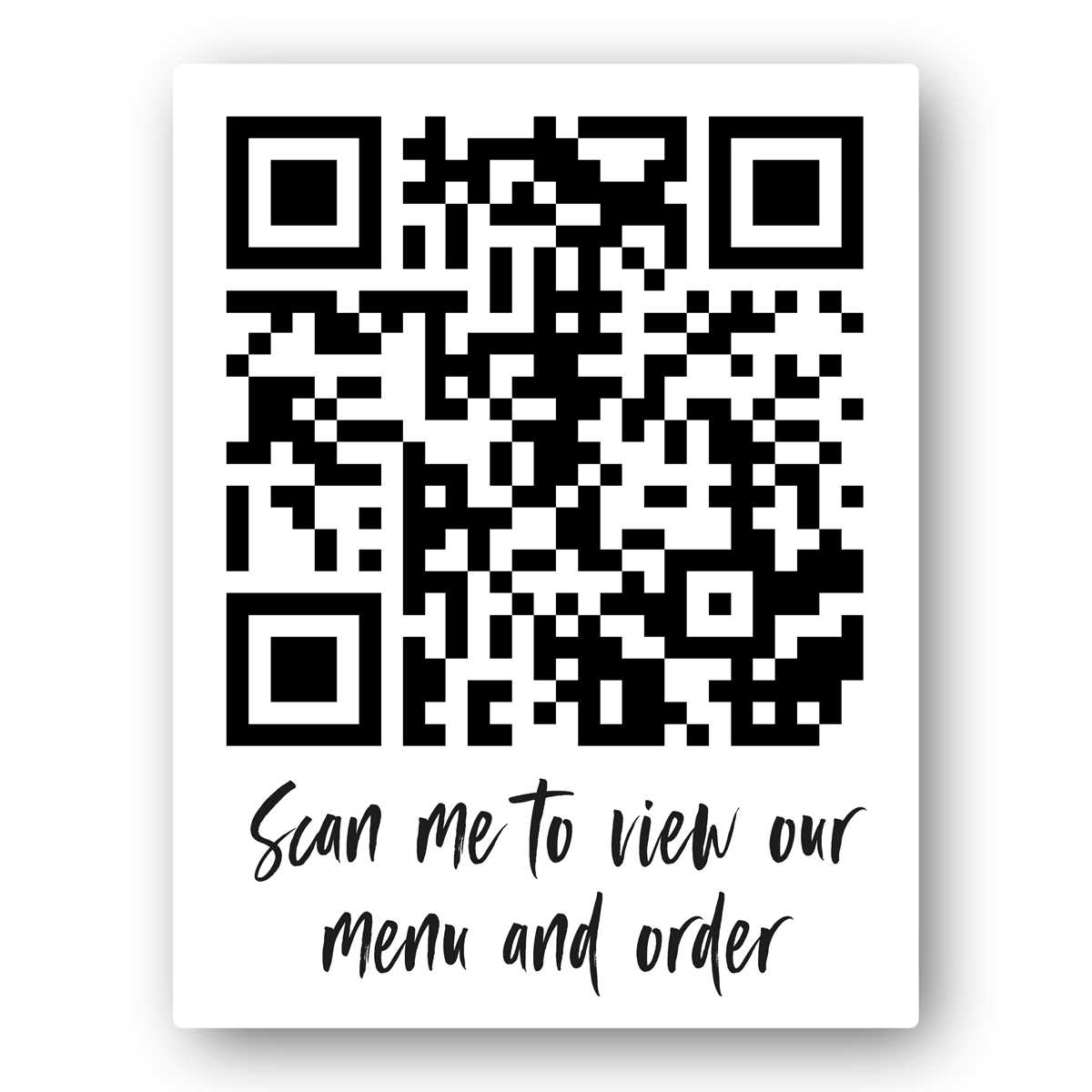
To create personalized scannable patterns, first select a reliable online generator. Choose the type of information you want to encode, such as a website link, text, or contact details. After entering the information, the tool will create a unique pattern that can be saved in a digital format, such as PNG or JPEG.
Once you’ve generated the design, download the file and use a design software or online template to customize it further. Ensure the pattern is clear and large enough to be scanned easily by users. After finalizing the design, print the pattern on adhesive paper and cut it to the desired shape for quick application. Be sure to test the scannability before distributing or applying it to various surfaces.