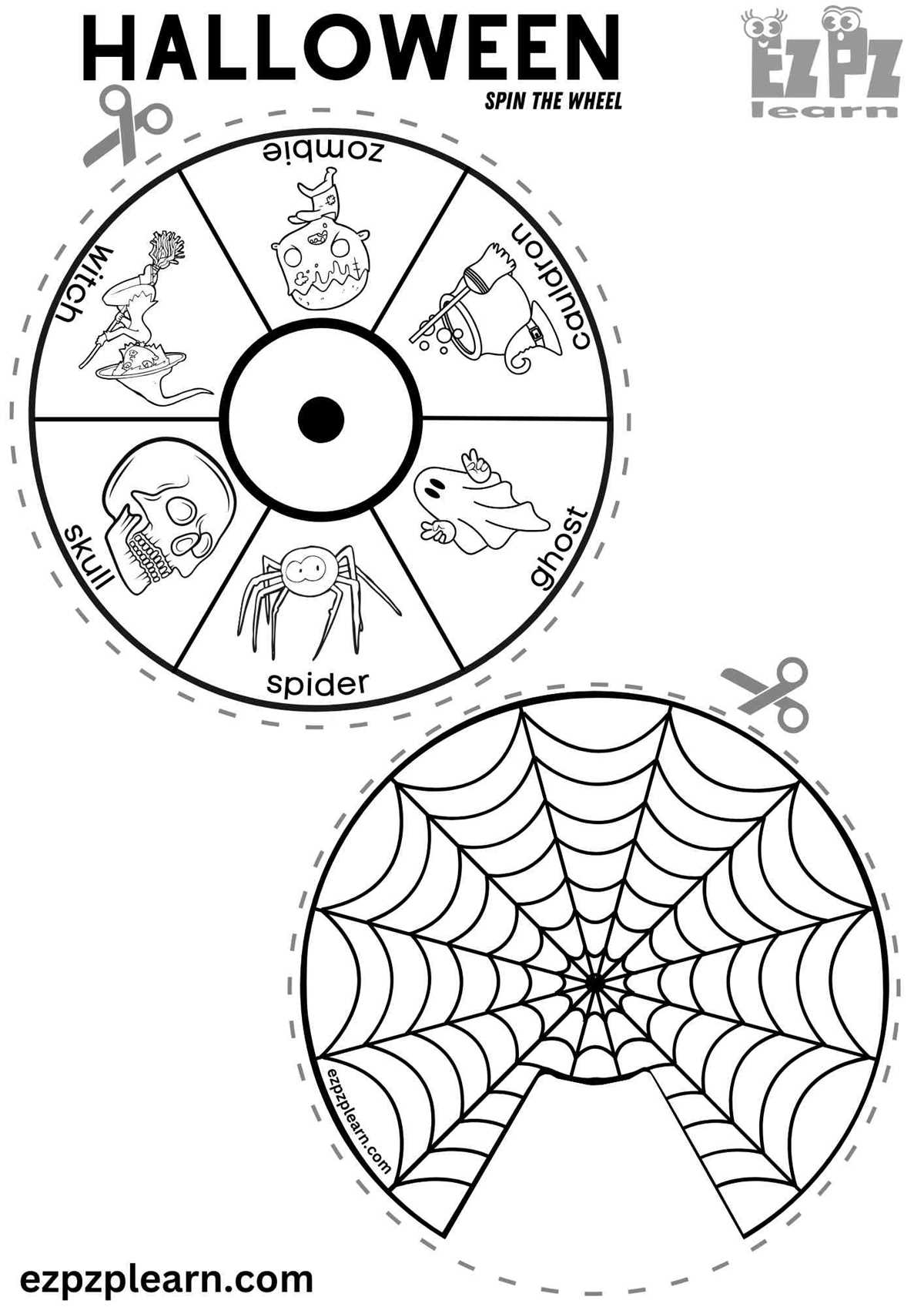
To make a simple decision-making tool, start by creating a circular template divided into sections. Each section can represent different choices or options. Customize the design by adding text, colors, or images that reflect the choices you want to offer. You can find many free templates online or create your own using basic design software. Printing this tool is straightforward, and you can adapt it to suit any occasion, from party games to family activities.
Once your design is ready, print it on durable paper or lightweight card stock. For easy use, consider attaching a paperclip or a small pointer at the center, which can spin to indicate a random selection. If you want to increase the durability, laminate the sheet so it can withstand frequent use. You can also cut the printed design into a smaller size, making it portable and easy to carry around for games and other fun applications.
This customizable tool is perfect for a wide range of activities. You can use it for making random choices, such as picking teams for games, selecting meal options, or even deciding who gets to perform a task. The design can also be adapted for educational purposes, offering interactive ways to engage kids in learning activities. The possibilities are endless, and creating your own tool allows for personal touches that enhance the fun.
Creating a Fun and Custom Decision-Maker
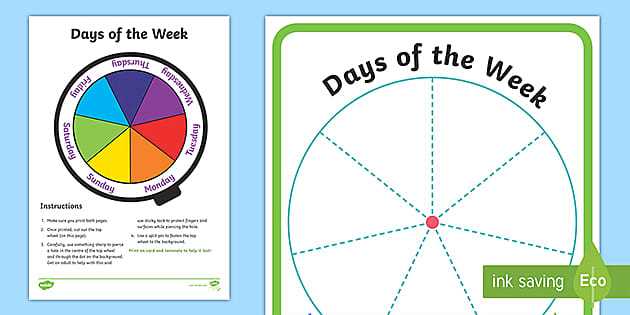
Start by designing a circular template with equal sections, each representing a different choice or action. You can customize each segment with text, images, or even small icons to make it more visually appealing. Free design tools like Canva or Google Slides offer easy-to-use templates that you can download and print. Once your design is ready, print it on sturdy paper or card stock for better durability.
To enhance usability, attach a small pointer to the center of the circle. This can be a paperclip, brad, or even a simple arrow drawn on the paper. When spun, this pointer will randomly land on a segment, offering a fun way to make decisions, such as picking a team, choosing a game, or deciding who gets the last piece of dessert. If you want to ensure longevity, consider laminating the design for repeated use.
If you’re aiming for a more interactive design, you can integrate the tool into learning activities for kids. Use it to make lessons more engaging by assigning different topics to each section, such as colors, shapes, or vocabulary words. Children can spin the pointer and answer the corresponding question or activity, turning learning into a fun game that keeps them engaged.
This customizable tool can also serve as an excellent icebreaker for parties or group events. For example, assign fun actions or challenges to each section, such as “sing a song” or “tell a joke.” Not only does it encourage participation, but it also adds an element of surprise and excitement to any gathering. By tailoring the design to fit the event, you can create a unique and memorable experience for everyone involved.
Step-by-Step Guide to Creating a Customizable Decision-Maker
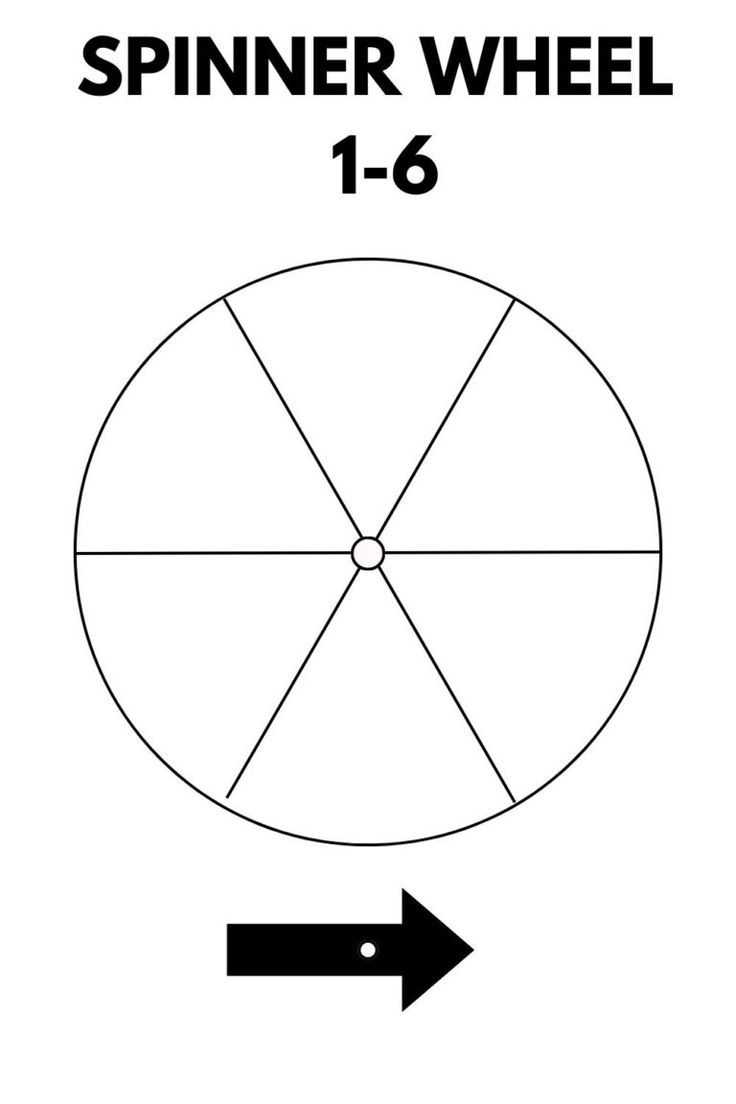
First, create a circular template with evenly spaced sections. Each section will represent a different option or choice. You can design this using free online tools like Google Slides or Canva, ensuring the segments are symmetrical and visually clear. Once the design is finished, print it on sturdy paper or card stock for better durability.
Next, add a pointer in the center to indicate the chosen segment. This can be as simple as a small paperclip, a brad, or a hand-drawn arrow. Make sure the pointer is securely attached so it can spin freely. To enhance the usability, you can laminate the printed design or attach it to a cardboard backing for additional sturdiness. Once completed, you have a functional and customizable decision-making tool ready to use in games or for daily decisions.